Search button at the right of the menu
You can integrate the search button into the menu bar.
Search button at the right in the menu:
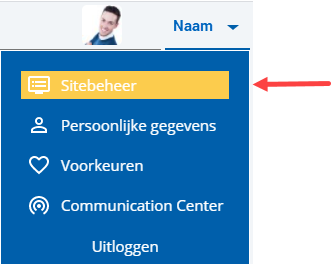
 Log on and start Site management.
- Click on: Layout.
- In Quick find location, select To the right of the menu in header.
- Click on: Modify.
The message that the change will be immediately implemented in the site appears.
- Click on Yes in the message.
|
Directly to
|